LLM Architecture Gallery Diff Tool
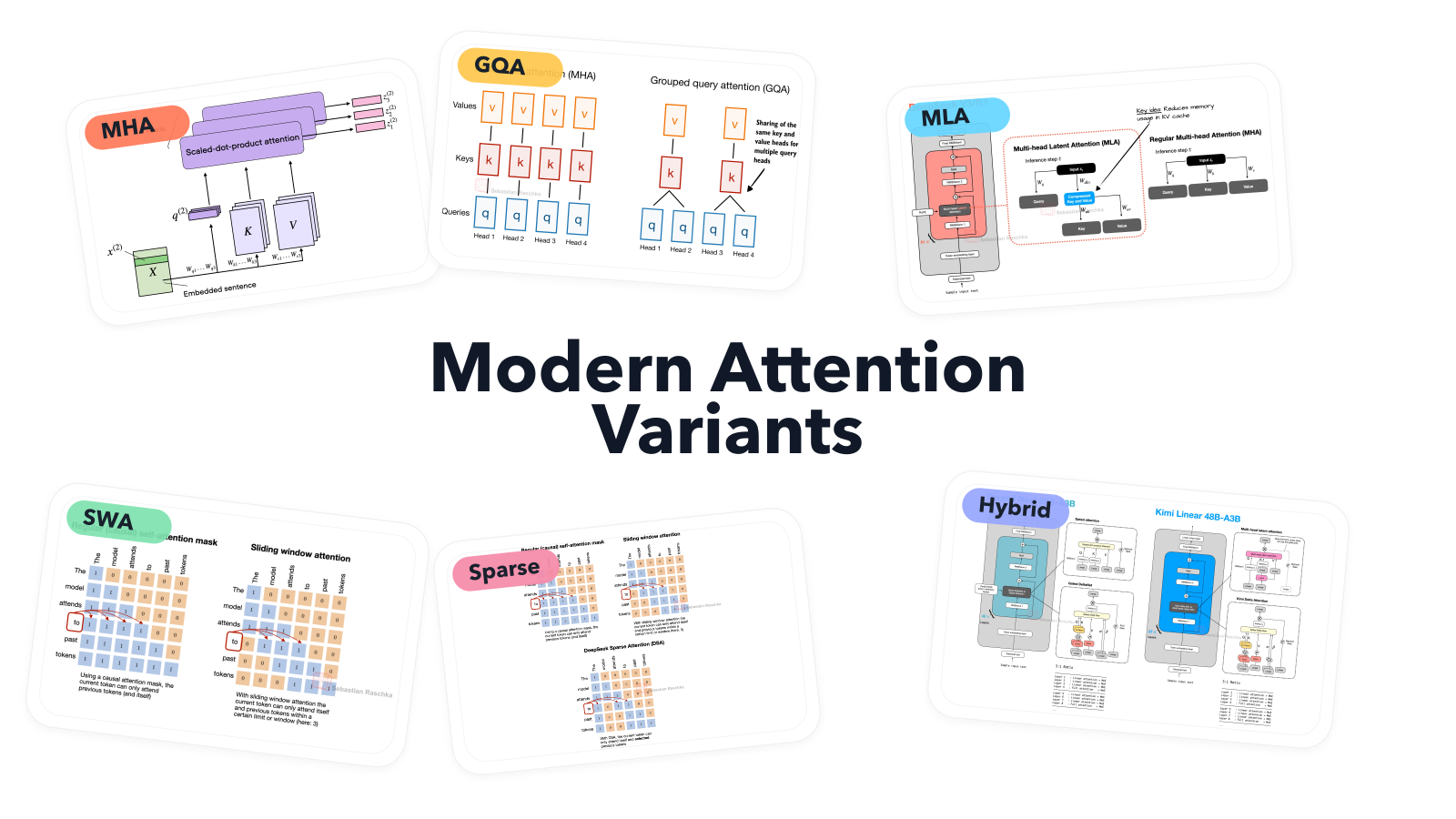
The LLM Architecture Gallery diff tool compares two model architecture stacks side by side. I added it because related releases can look nearly identical when their cards are viewed separately. A direct comparison makes the changed block much easier to spot.
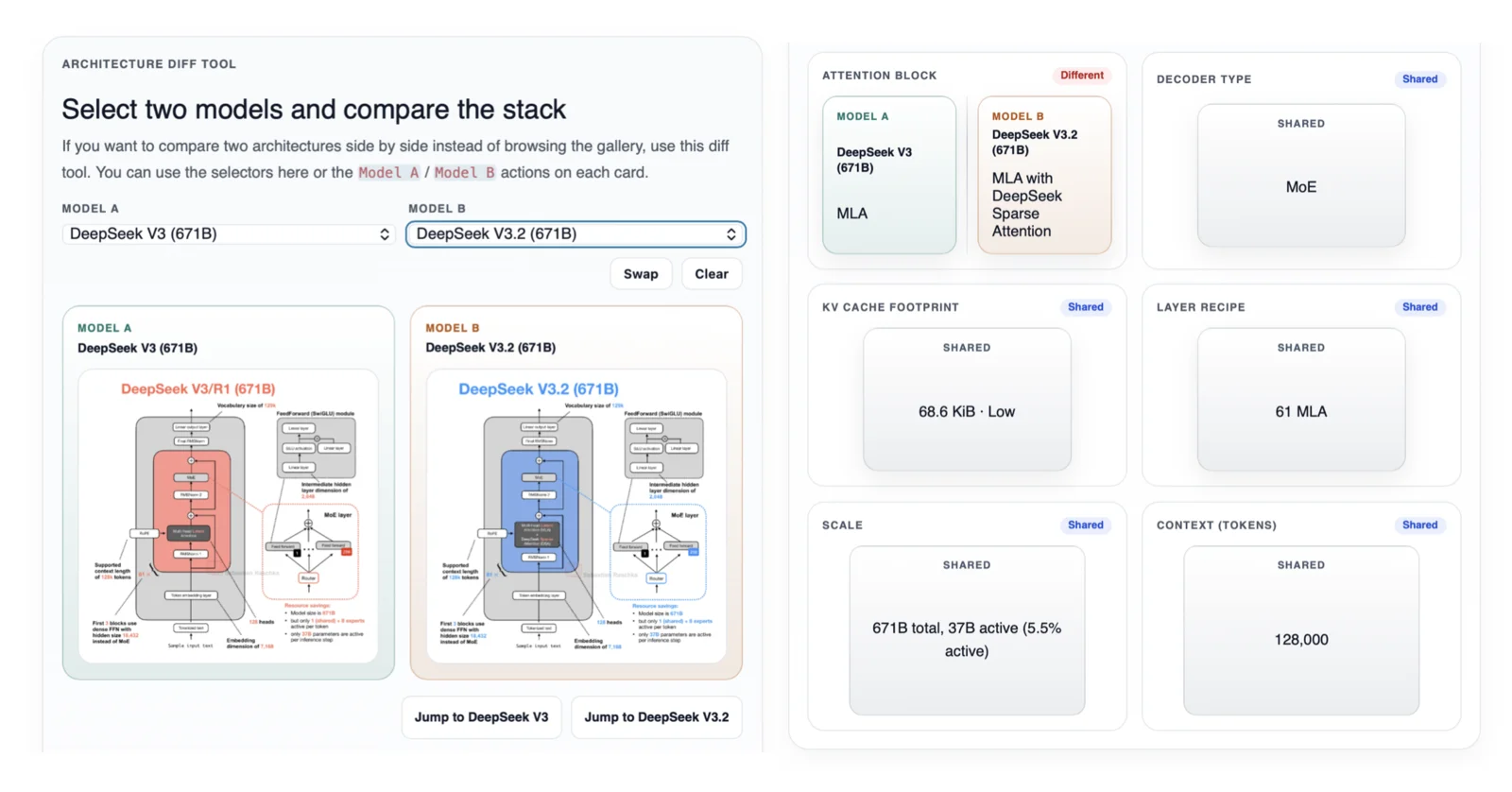
Once two models are selected, the tool places their architecture diagrams next to each other. Four summary lanes compare the attention block, decoder type, KV-cache footprint, and layer recipe. Scale and context length appear below. If either model has Artificial Analysis data, the comparison also includes the AA Intelligence Index and its category profile.
Each field is marked Shared or Different. This is useful because the shared parts often provide as much context as the changes. If two MoE models use the same scale and layer recipe, for example, an attention change is easier to interpret as a targeted architecture update.
DeepSeek V3 versus DeepSeek V3.2
DeepSeek V3 and DeepSeek V3.2 make a good worked example. Both have 671 billion total parameters, with 37 billion active parameters per token. They share a 128,000-token context length, a sparse MoE decoder, 61 MLA layers, and the same 68.6 KiB logical bf16 KV-cache estimate per generated token.
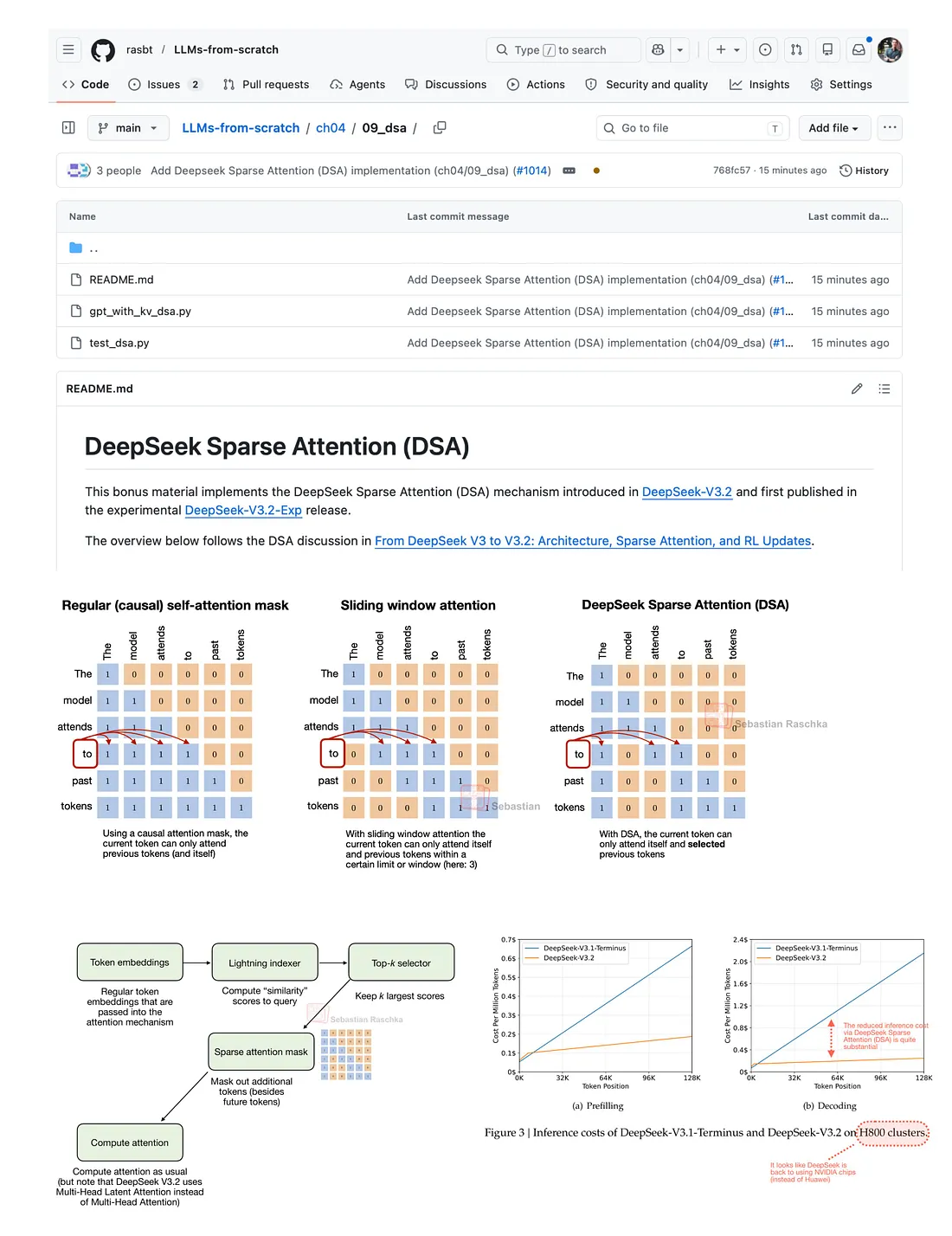
Within the four architecture lanes, the attention block is the difference. DeepSeek V3 uses MLA. DeepSeek V3.2 keeps MLA and adds DeepSeek Sparse Attention for long-context processing. Seeing the shared fields beside this change is more informative than reading the two fact sheets in isolation.
The current cards also report different AA Intelligence Index results. I treat these as additional context rather than evidence that one architecture change caused the score difference. The models differ in release date and training recipe as well, and the gallery comparison is not an ablation study.
Selecting and sharing a pair
You can choose models from the two selectors at the top of the tool. Another option is to use the Model A and Model B buttons on individual gallery cards, which is convenient when you find an interesting model while browsing. The Swap button reverses the two columns, and Clear starts over.
The selected model pair is stored in the page URL. Copying the address therefore preserves the comparison for someone else. This DeepSeek V3 and V3.2 link opens the example shown above.
How to read the result
The labels come from the curated fields in the gallery fact sheets. The tool does not inspect model weights or compare the implementation code. Two models marked Shared for a field can still differ in lower-level details that the compact card does not record.
The KV-cache value also needs a little care. It is a logical batch-size-1 bf16 estimate based on the published cache geometry. It is not a measurement of framework allocator memory during inference. An N/A value means the public report or configuration did not provide enough information for a reliable entry.
For a broad comparison, I usually start with the diagrams and the four architecture lanes. I then open the individual gallery cards for configuration links, technical reports, and the explanatory pages behind unfamiliar mechanisms.
Source: expanded website version of my Substack note.